Homelab
A 2016 Xeon bought on AliExpress, an old case and spare parts, running Proxmox with TrueNAS, Immich, Plex, Pi-hole and Kestra on top.
First, a warning
I wrote this away from home. I am travelling around Europe as a digital nomad and I have no access to the machine right now, not to check a number and not to take a decent photo of it. What is here is what I remember, and the rest I fill in when I get back. The images are the listing photos of the parts, because that is what I could manage from here.
What it is
A case built part by part that became the house server. It runs Proxmox, and on top of it sit TrueNAS, Immich, Plex, Pi-hole and Kestra. It lives underneath everything, powered on all the time, and most days I forget it exists. Which is roughly the highest compliment you can pay a server.
The purchase that started it
On 18 September 2023 I bought a kit on AliExpress: a QIYIDA X99 motherboard, LGA2011-3 socket, with a Xeon E5-2680 v4 and 32 GB of DDR4 in two 16 GB sticks. The link I had saved no longer opens, which is the normal fate of an AliExpress listing two years later.
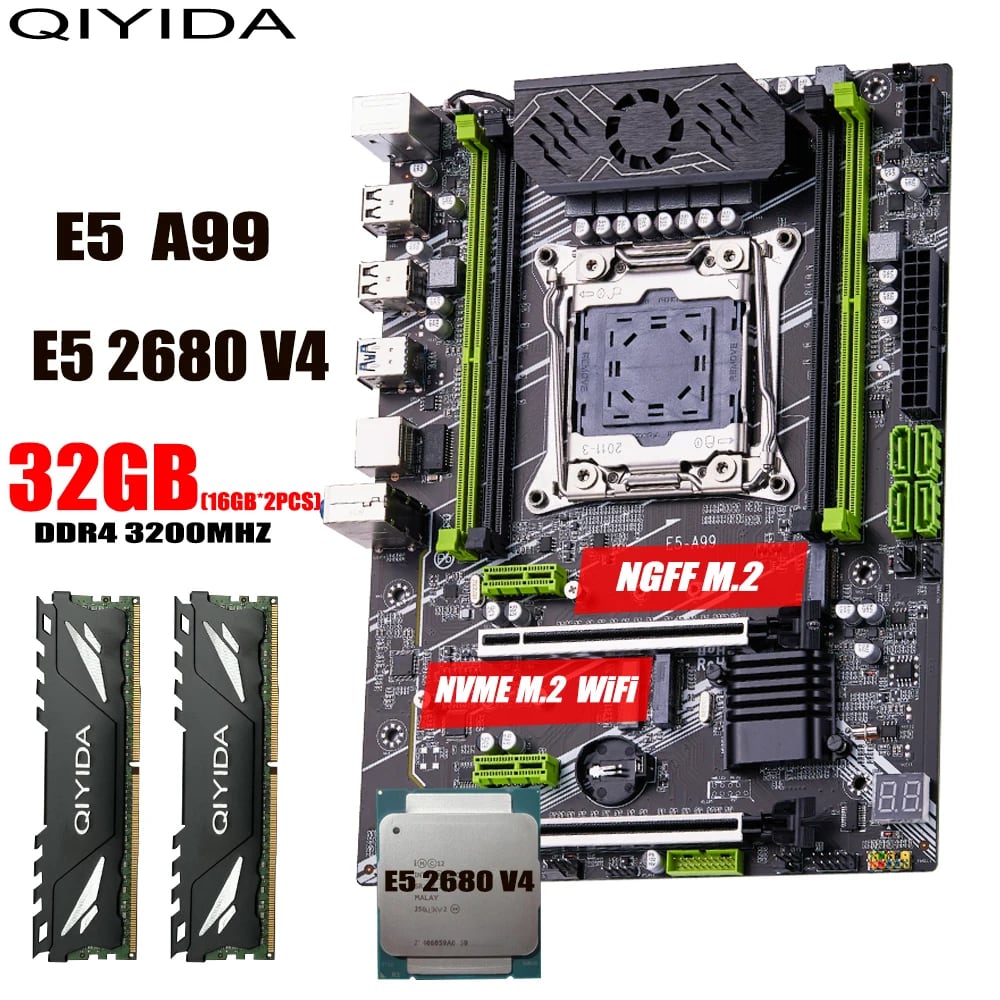
The maths that convinced me at the time was simple. The E5-2680 v4 is a 2016 server chip with 14 cores and 28 threads, and in 2023 it cost less than a new entry-level desktop processor. For a machine that would spend its life running several small things at once, cheap cores are worth more than fast cores.
The listing sells the memory as 3200 MHz, and it is worth noting that this is the stick's number and not the machine's: the E5-2680 v4 is from 2016 and does not go past DDR4-2400. It is the kind of detail that disappears inside an AliExpress title with fifteen commas in it.
The whole kit, motherboard plus processor plus the 32 GB of memory, came to R$ 503.34.
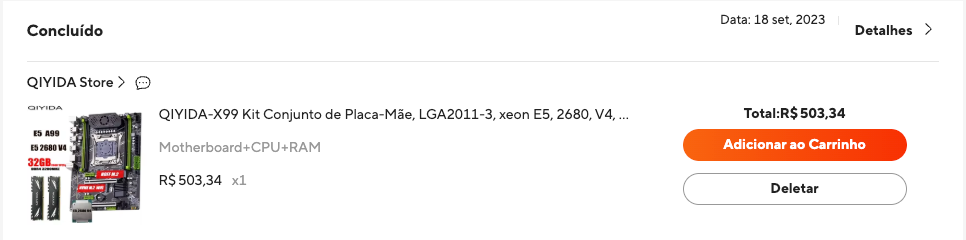
Writing this today, a single 16 GB stick of DDR4 on its own costs more than I paid for the entire kit. Which means the memory that came inside the box is already worth more than twice what I paid for all of it, with the processor and the motherboard thrown in. That was not investment instinct, it was the luck of having bought before memory turned into a luxury item.
There was only one M.2 slot
I put in a 256 GB NVMe SSD for the system and then wanted to expand. That is when I hit the obvious problem with these boards: no slots left. I bought an M.2 NVMe to PCI-e adapter, the kind that takes an x4 slot and hands the whole lane over to the drive.
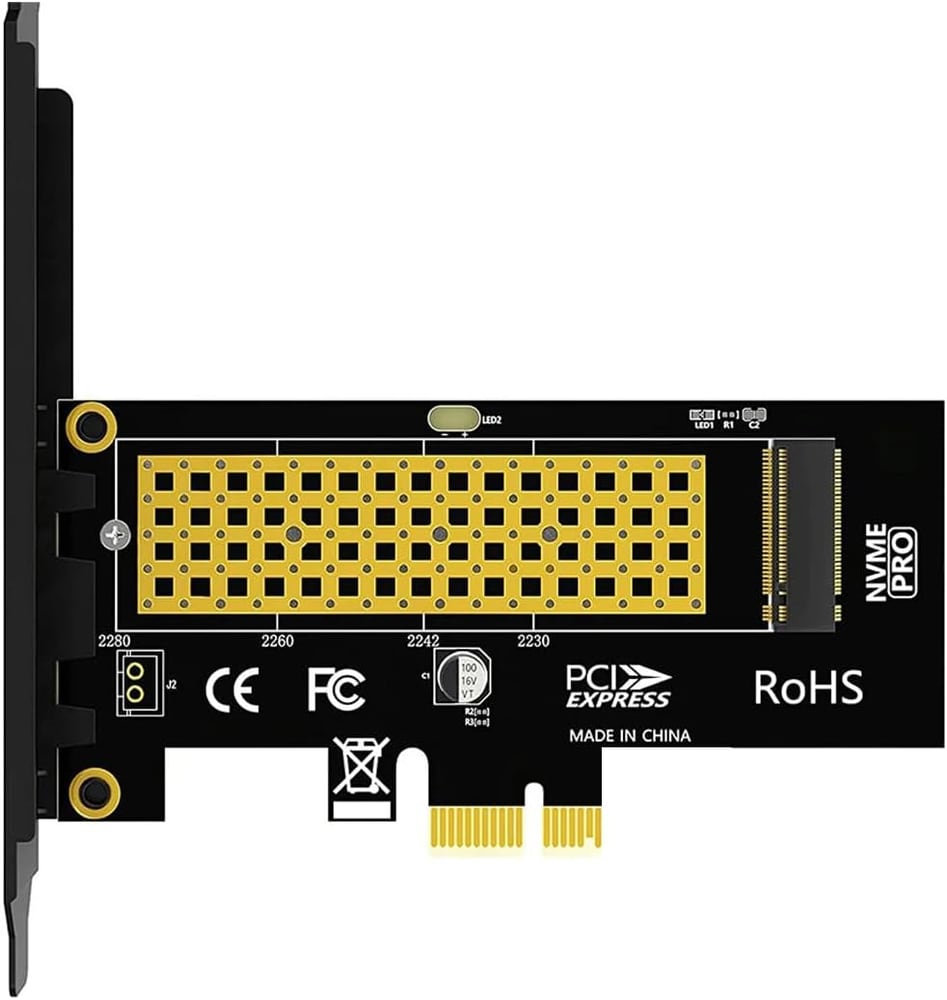
It is a silly little part and it solves the problem well. The board has spare PCI-e slots precisely because it is a server platform, so trading a slot for a drive port is cheap.
The rest came off the shelf
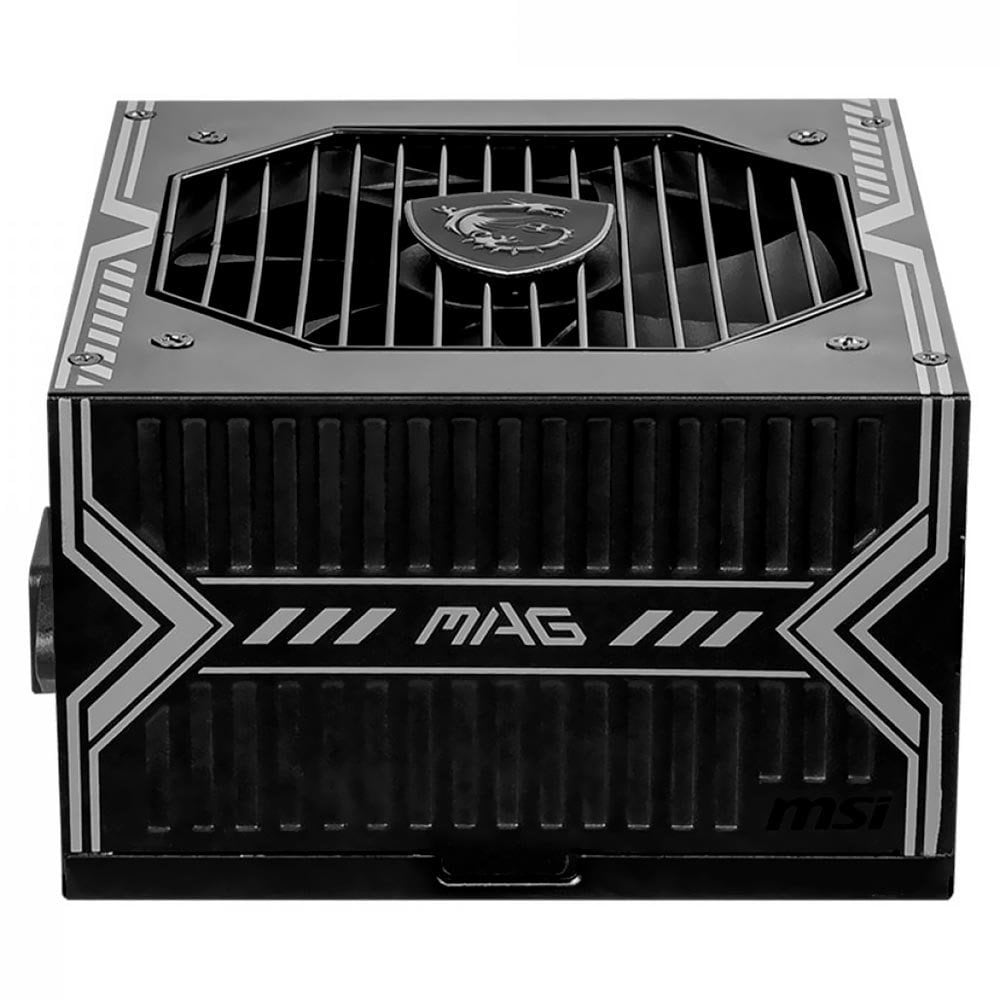
The case is an old Thermaltake I already had, and the first boot ran on a spare power supply that was lying around. Today the machine is fed by an MSI MAG A550BN, 550 W, 80 Plus Bronze, with active PFC.
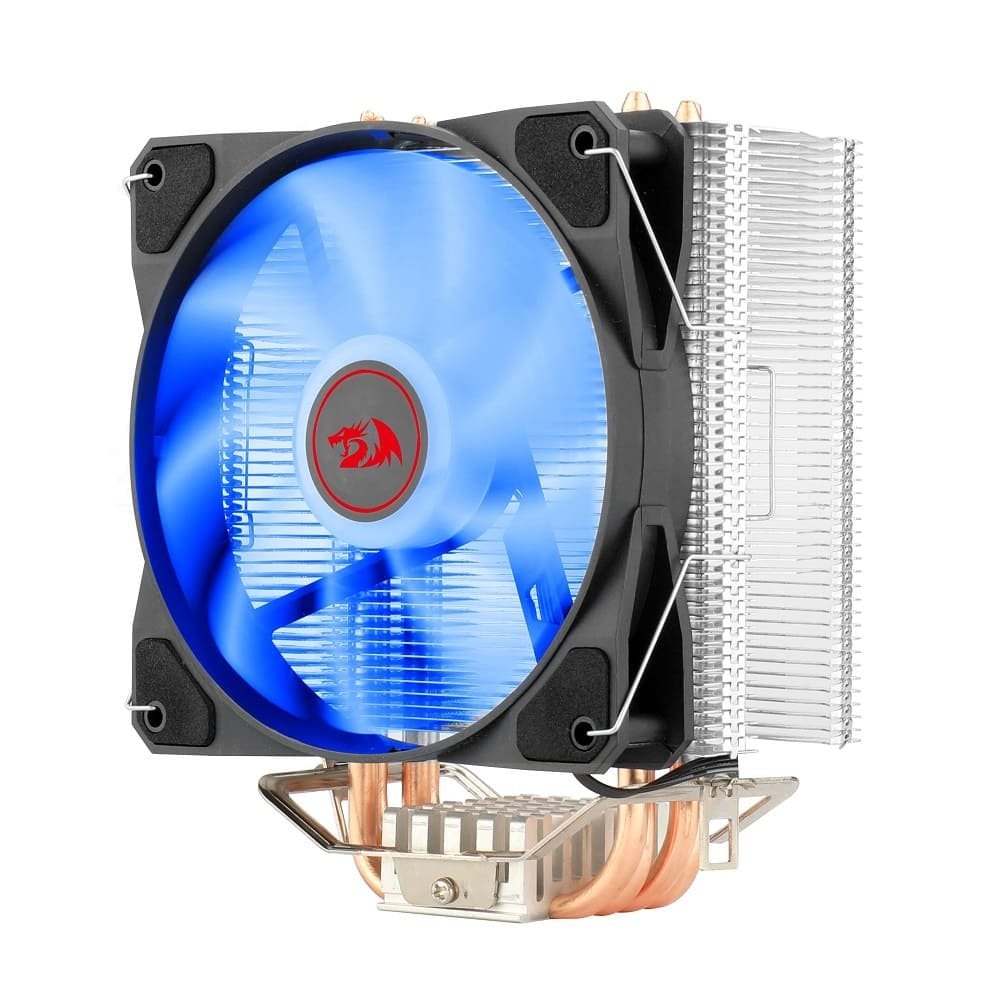
The cooler is a Redragon TYR CC-9104B, 120 mm, PWM, four heat pipes, with a blue LED nobody ever sees because the side panel stays shut. It is rated for 130 W and the processor has a 120 W TDP, so there is not much headroom on paper.
A graphics card because of Plex
The graphics card made the list for one reason, and the reason was Plex. I already knew I wanted to run it on this machine, and I assumed I would need at least some card to handle the video work. I bought the cheapest one I could find, an AFOX Radeon R5 220 with 2 GB of DDR3, 64 bits, low profile and passively cooled.
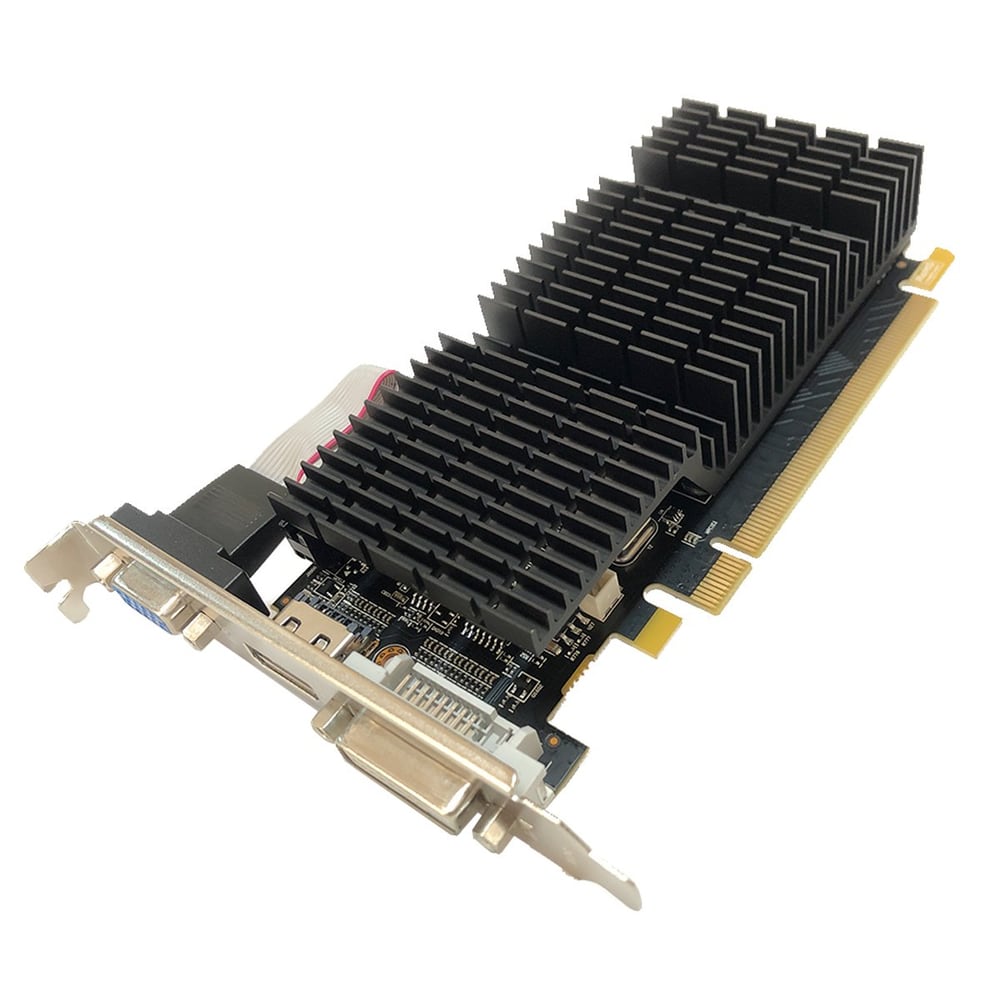
Beyond that job it does nothing. Once Proxmox was up, everything moved to the browser, and I do not think anyone has plugged a monitor into that machine since the install. Whether the card actually helps the way I assumed it would when I bought it is one of the things I want to measure properly when I get back.
The drive I waited to buy
I always wanted a NAS at home. The idea never changed: keep everything inside my own network, on my own disk. The old photos, the videos, my own Google Drive and my own Netflix, without a subscription and without someone deciding to change the price or pull something off the air.
What held me back was the price. NAS drives are expensive, and they are expensive for a reason: they are built to spin all day, every day, which a desktop drive does not promise. So I waited. One ordinary day a sale showed up and I immediately bought a Seagate IronWolf 4 TB, SATA, 5400 RPM, 256 MB of cache.
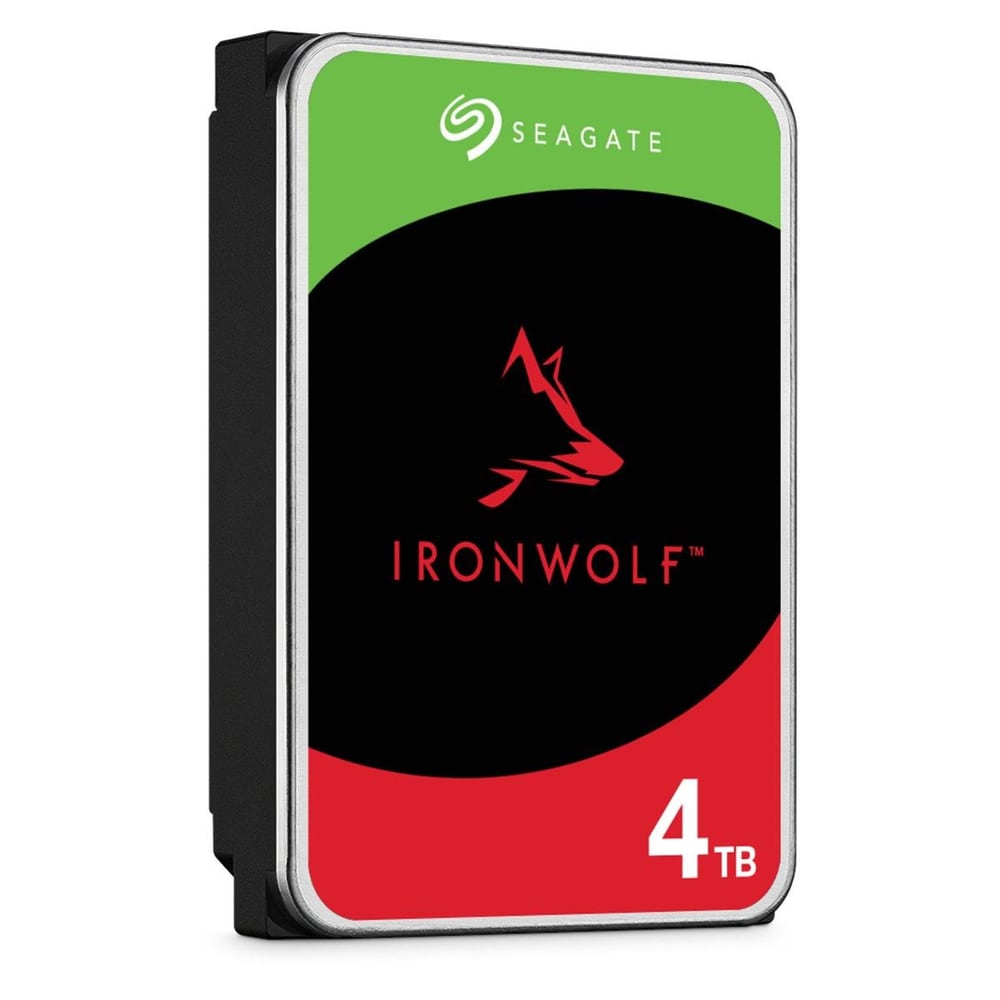
That was the part that flipped the switch. Before it I had a machine running services. After it I had somewhere to put things.
On top of it all, Proxmox
With the machine assembled, I installed Proxmox and brought up one service at a time.
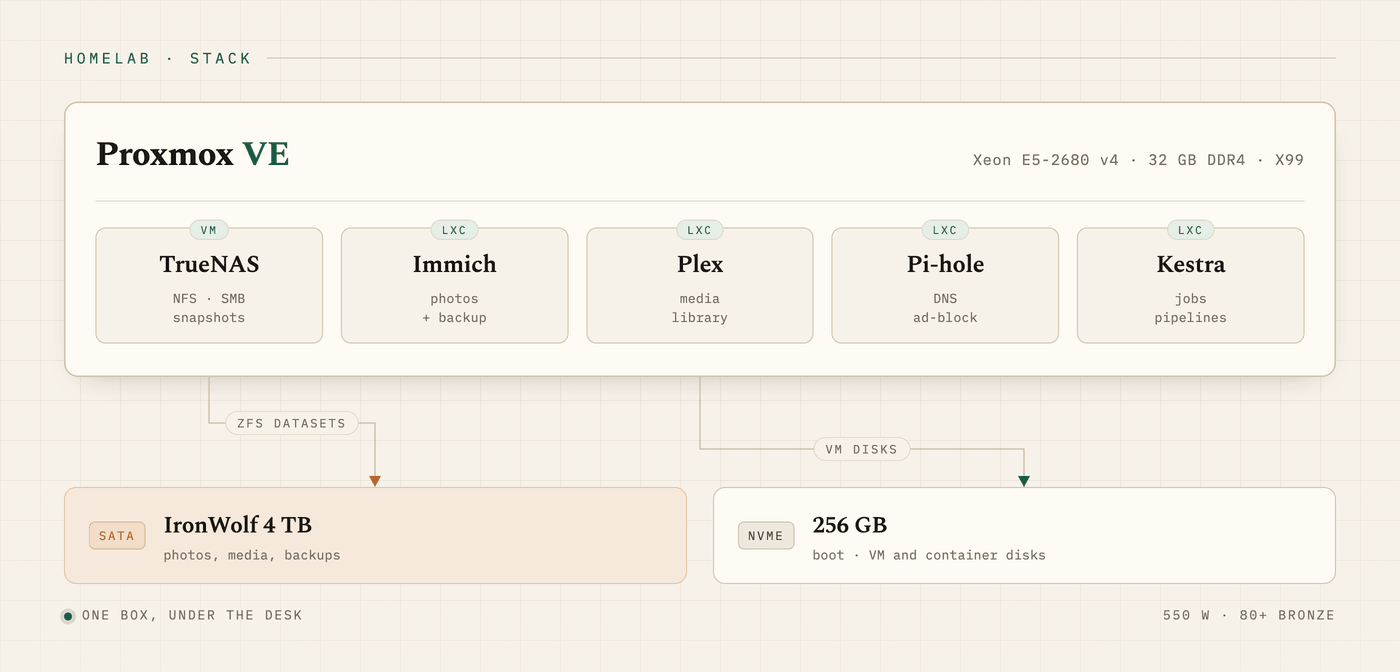
TrueNAS. It holds the data and serves the IronWolf to the rest of the house. It was the part that took the most work and also the part I am most sure I got right, because it is where everything meets: Immich's photos, Plex's library and the backups all come out of the same place.
Immich. My Google Photos. The phone app uploads on its own, and from there the pictures are at home instead of on somebody else's server. It is the service that justified the whole project to the people I live with.
Plex. My Netflix. My own catalogue, no subscription, and none of that business of a series disappearing halfway through the season.
Pi-hole. The easiest of the lot, by a distance. There are tutorials everywhere, the walkthrough is short, and in one afternoon it is working. Because it filters ads at the DNS level, it covers the whole house at once, including the TV and the phone of whoever is just visiting.
Kestra. The scheduled jobs, and the part I touch most. It is where the automations live that I do not want running on my laptop, precisely because they need to happen with the laptop switched off.
What is still missing
This text is deliberately incomplete. The exact versions are missing, how each service is isolated, what runs as a VM and what runs as a container, how TrueNAS is configured underneath, and whether the graphics card does for Plex what I imagined it would. None of that can I check from where I am, and I would rather leave the hole visible than fill it with a guess.
When I get back from the trip I will open the machine, take the real photos and update this.